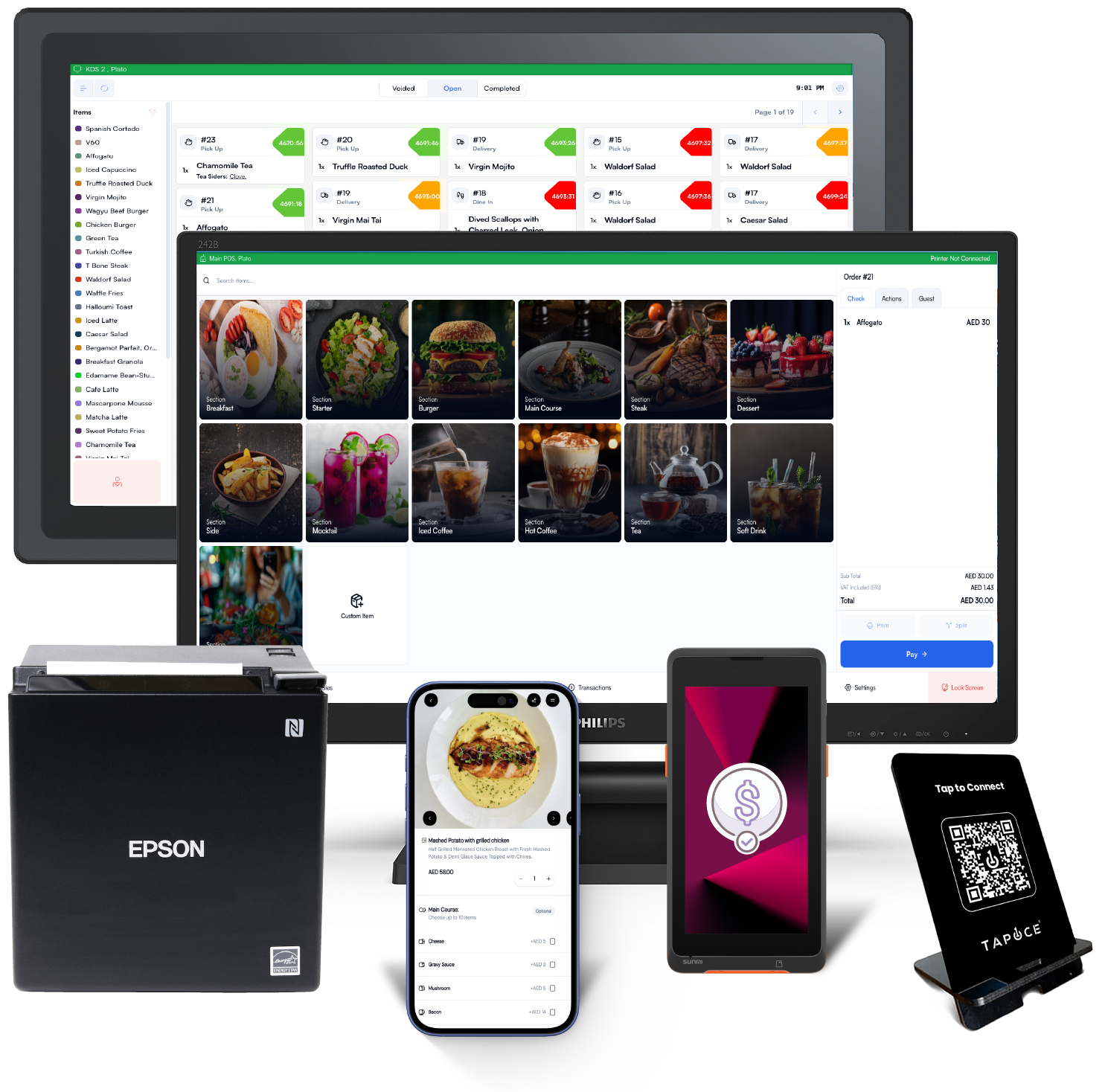
Counter speed
Scan, search, add, adjust, and complete the order while keeping the sale clean.
Store counter and catalog operations
Support boutique, pharmacy, specialty, and multi-branch retail teams with product readiness, barcode checkout, customer handling, order review, and daily reporting.

Scan
Barcode lookup
Adjust
Basket control
Attach
Customer profile
Review
Sales visibility
Scan, search, add, adjust, and complete the order while keeping the sale clean.
Products, categories, variants, images, and stock context stay organized.
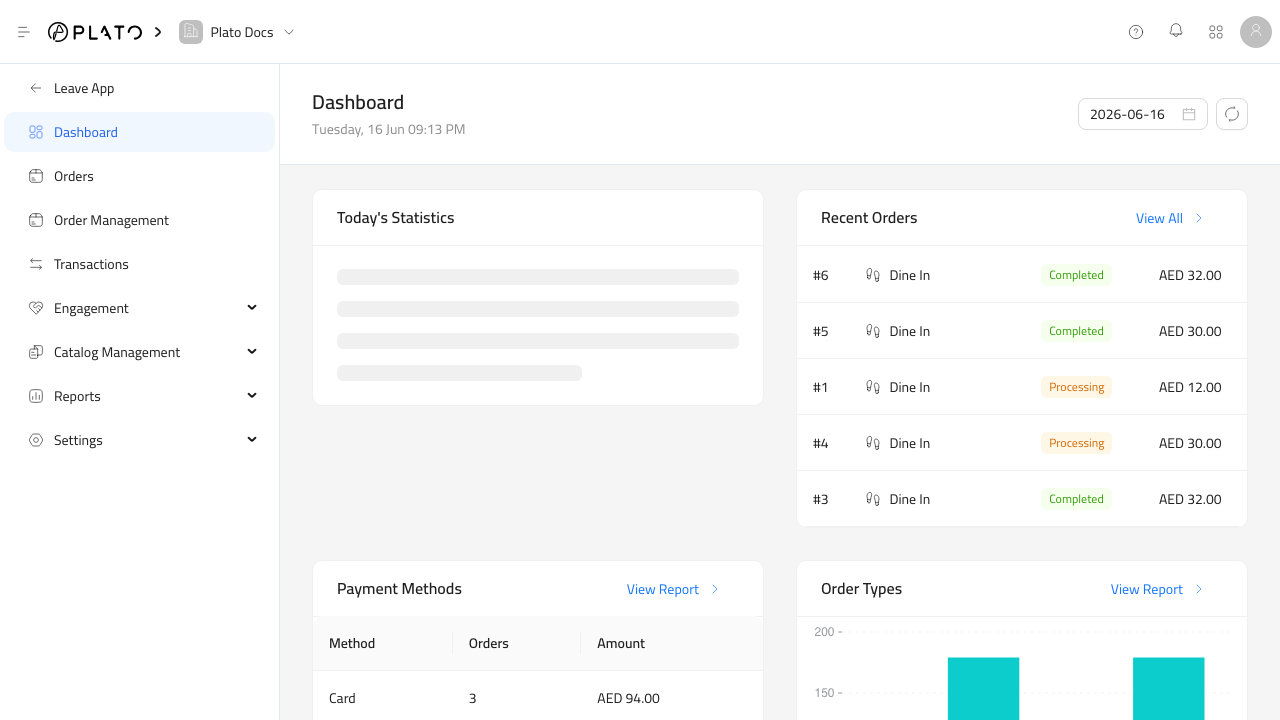
Daily movement, items, sessions, and payment methods stay reviewable.
Opening the store
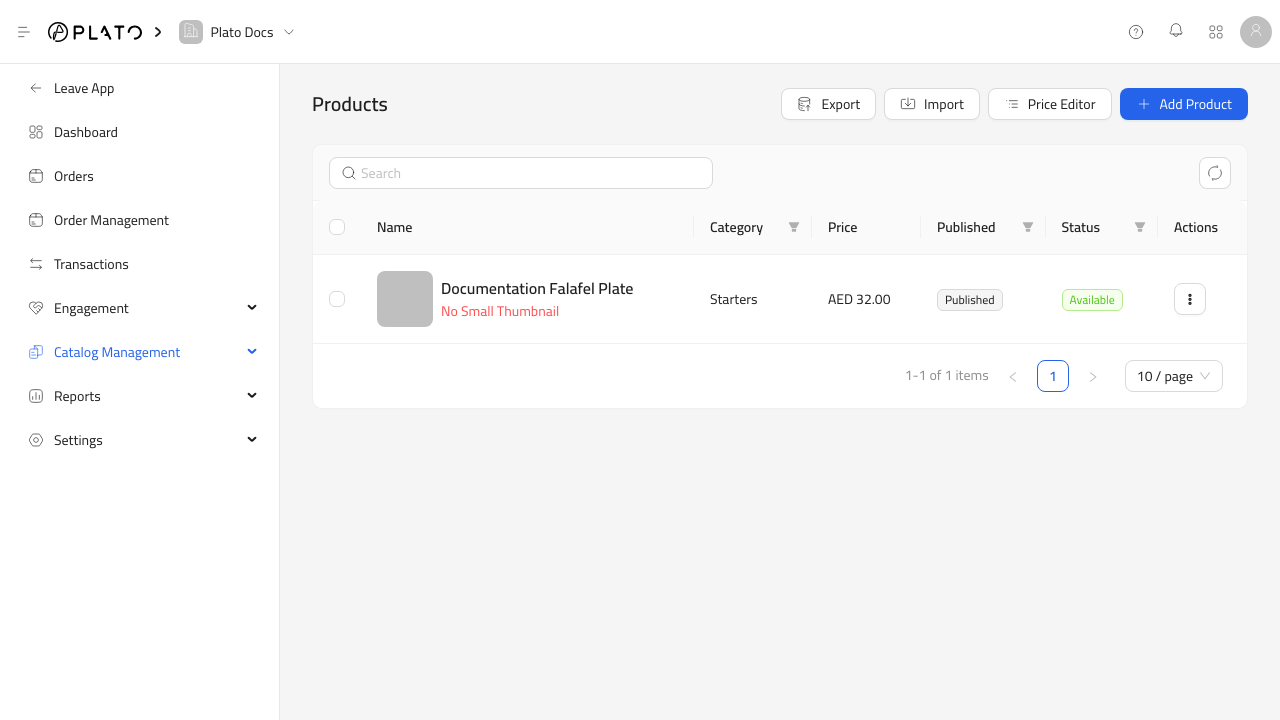
Products, SKUs, categories, variants, prices, images, and availability need to be ready before opening.
Cash drawer, scanner, receipt flow, staff access, and payment methods are part of the daily checklist.
A multi-branch store needs product availability, sales history, and reporting by location.
Checkout path
The counter flow stays fast, but it still records the product, customer, staff, branch, payment, receipt, and movement context the store needs later.
Checkout step 01
Search, scan barcode, choose variant, or browse category to add the correct product.
Checkout step 02
Apply quantity, discount, customer note, branch rule, or stock-aware choice before payment.
Checkout step 03
Complete the transaction through the right method and keep receipt handling clear.
Checkout step 04
Let managers see item movement, sessions, payment methods, and branch sales after the shift.
Returns and exchanges
Match the receipt, confirm item movement, keep customer context, and route the exchange or return into the same manager review.
Feature depth
Retail is strongest when the catalog, lookup, basket, customer, returns, and manager review all share the same source of truth.
Manage names, categories, barcode, QR, variants, options, images, and branch availability.
Support quick scanning for high-throughput counters and inventory identification.
Keep order source, customer, staff, branch, payment method, discount, and receipt state together.
Attach customer context, notes, and follow-up needs without slowing down the line.
Keep sales movement connected to inventory review when the store needs tighter control.
Review daily sales, item performance, payment methods, sessions, and branch-level activity.
Manager detail
The counter can move quickly without leaving managers to reconstruct the shift. Retail keeps sales, catalog cleanup, stock questions, and customer trends visible.
Look at sales by branch, payment method, product, session, and staff context.
Spot missing product details, images, barcode issues, and inactive items.
Identify when fast-moving products need reorder attention or inventory reconciliation.
Understand which products and interactions drive repeat visits or support needs.
Items
Which products sell, stall, return, or need better catalog setup.
Shift
Who sold what, when, and through which payment method.
Branch
How each store performs without mixing local patterns into one blur.
Store types
Variants, seasonal collections, product images, customer context, and daily sales review.
Barcode-heavy checkout, catalog grouping, supplier questions, and branch movement.
Fast scanning, accurate receipts, staff sessions, and reliable item reporting.
Search, scan, adjust, pay, receipt, and return handling in one flow.
Products, variants, categories, images, barcodes, and availability stay organized.
Branch, staff, payment, item, and session signals stay readable after the shift.
Map a catalog, checkout path, barcode lookup, customer profile, return rule, and manager closeout with the Plato team.