
Guest details
Name, phone, party size, occasion, notes, and source are easy to review before seating.
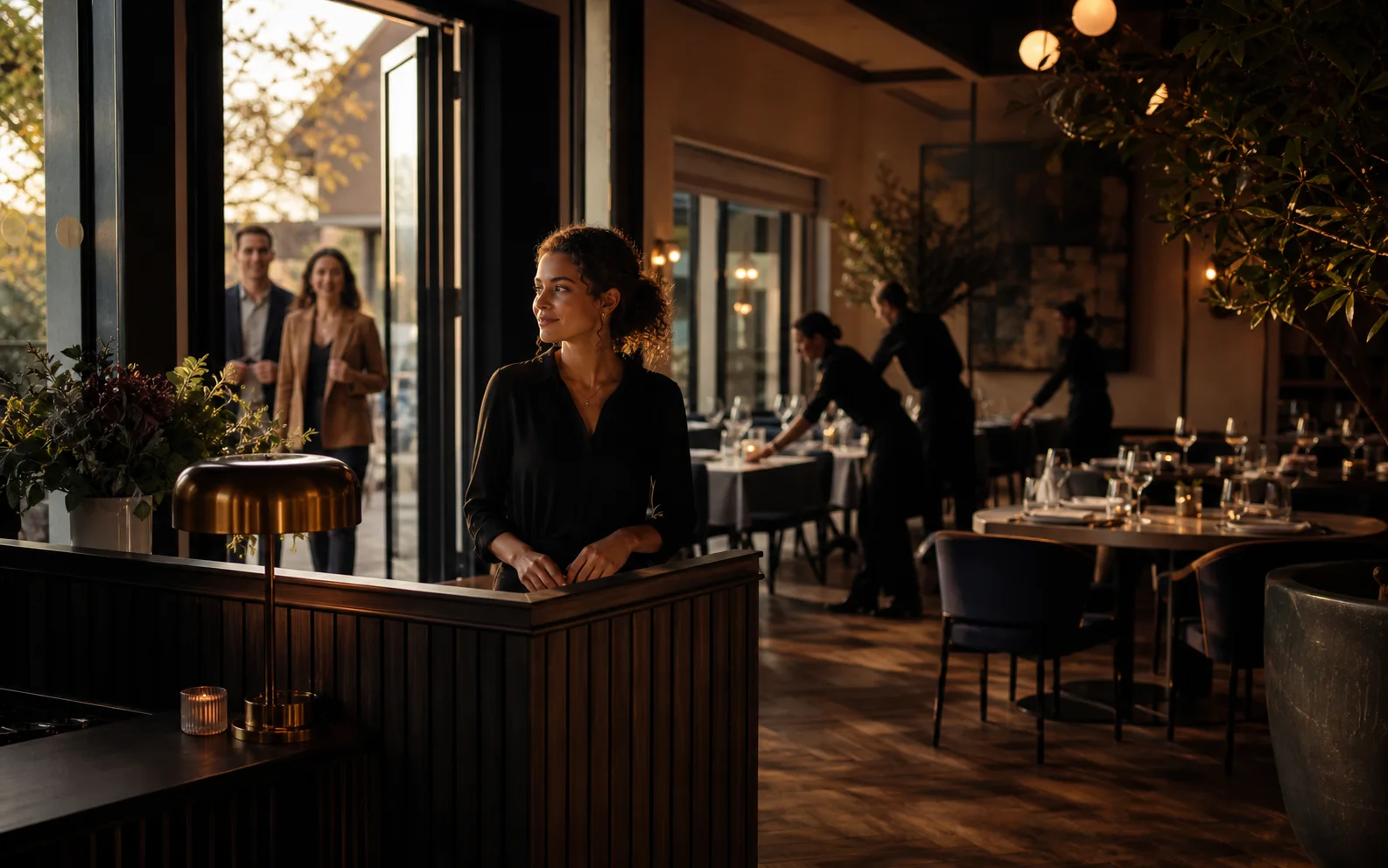
Move from guest request to confirmed booking, host view, table planning, arrival state, and service handoff with clear booking details at every step.
One evening, one continuous guest story
Book
Confirm
Seat
Remember
An evening in motion
Guest request
Host review
Arrival state
Table handoff
Follow-up

At the host stand
Name, phone, party size, occasion, notes, and source are easy to review before seating.
The team can distinguish pending, confirmed, arrived, seated, and completed reservations.
Special requests, timing pressure, VIP context, and table preferences stay visible.
Floor choreography
Dining room / live fit
Plan guest counts against real table sizes, sections, and service rhythm.
Understand where arrivals cluster so the team can avoid seating and kitchen pressure at the same time.
Keep walk-ins and reservations in the same operating picture for the host stand.

Service pressure
Host memory
Guest count, date, time, contact details, notes, source, branch, and booking owner.
Pending, confirmed, arrived, seated, cancelled, no-show, completed, and internal review states.
Tables, sections, capacity, preferred seating, service timing, and pressure windows.
Use Bio Link or QR placements to send guests into a booking path.
Let staff create or update bookings from phone calls, walk-ins, and direct messages.
See booking volume, no-shows, cancellations, peak periods, and table pressure inputs.
Before opening the book
Connected operation
Connect booking context to table service, orders, and guest experience.
Place reservation entry points behind public QR codes and profiles.
Collect special requests, private dining inquiries, and event details.
Use booking context for confirmations, reminders, and guest follow-up campaigns.
Bring the real floor plan
We can review booking intake, table planning, statuses, and the exact host view your team needs during service.
Book a Reservation demo