
Hero, profile, and branch identity
Set the public name, cover treatment, profile details, branch contact options, and clear first actions.
Build a polished public page for menus, campaigns, branches, profiles, offers, and contact paths, then share it through QR codes across counters, packaging, tables, and social channels.
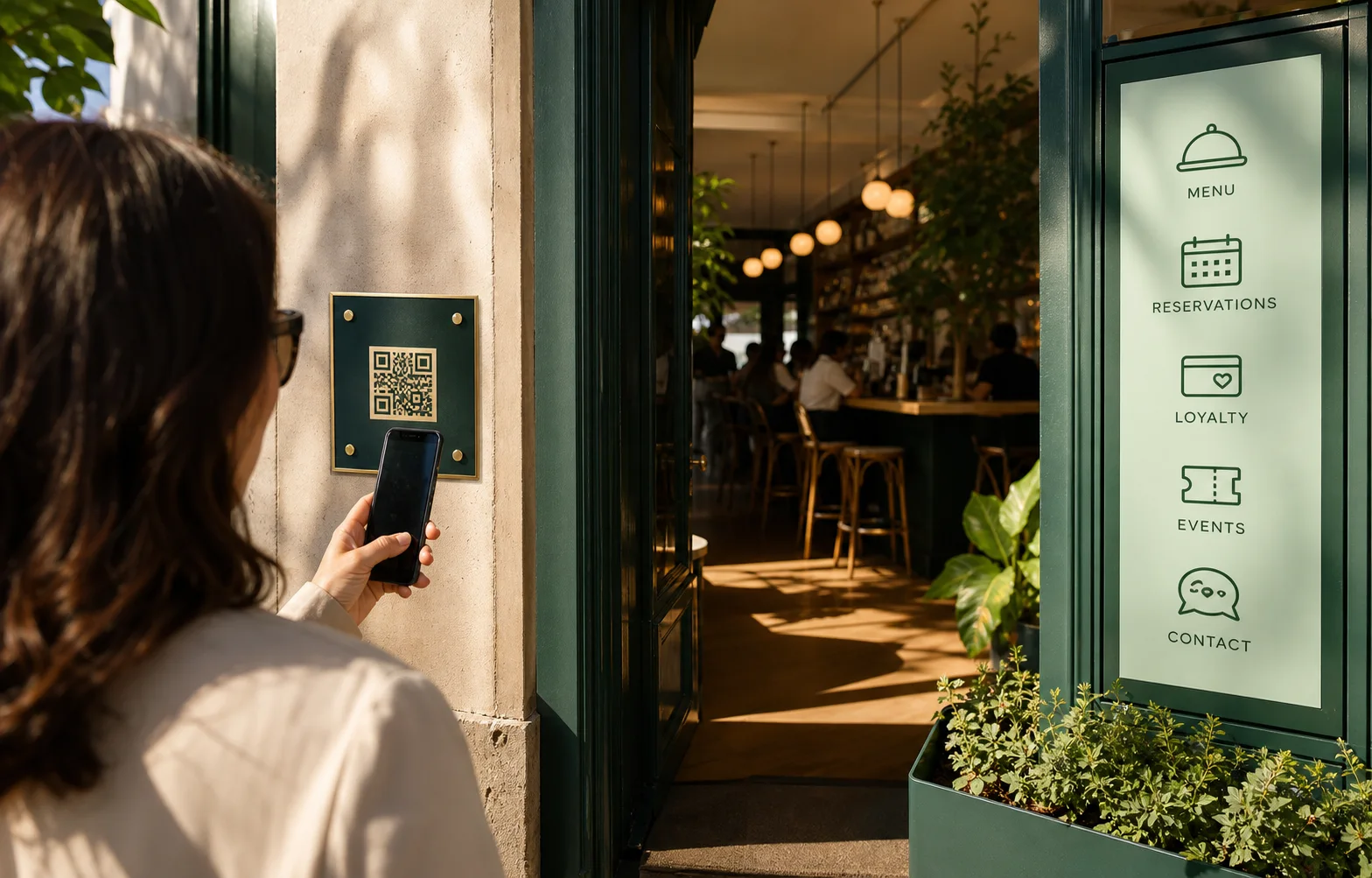
Scan to action
Bio Link is not just a pile of links. It gives the business a small publishing system for what customers need next.
Set the public name, cover treatment, profile details, branch contact options, and clear first actions.
Add menus, social accounts, maps, campaign links, forms, reservation entry points, payment paths, and documents.
Put the most urgent action first for dine-in, delivery, events, hiring, loyalty, or seasonal offers.
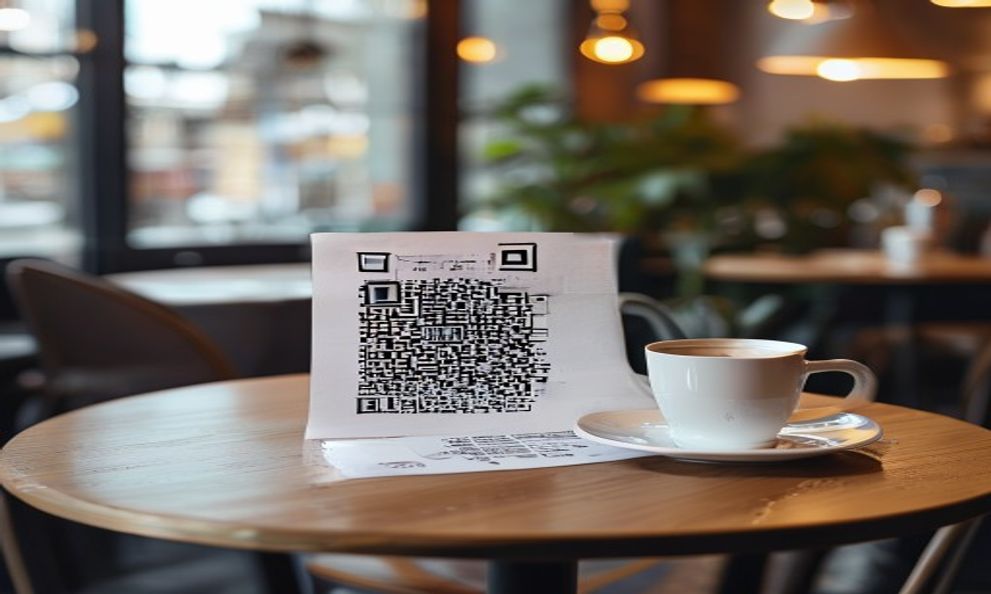
The printed channel
The page can change while the printed QR stays the same, so the business can run campaigns without replacing every sign.
Send walk-in customers to menus, offers, booking, loyalty forms, and contact actions.
Keep high-frequency dine-in actions easy to scan, especially reservation, menu, review, and payment flows.
Point seasonal posters, influencer bios, or event flyers to a page that can be changed after launch.
Page composer
Links, buttons, contact actions, media, maps, branch details, forms, restaurant actions, and campaign cards.
Arrange the page with clear blocks, section labels, cover imagery, and branded accent styling.
Connect Instagram, TikTok, WhatsApp, phone, map, email, website, and other key customer paths.
Prepare public-facing copy for multilingual audiences without rebuilding the page from scratch.
Use the same link behind printed QR placements, social bios, packaging, staff cards, and campaigns.
Keep page changes deliberate with a launch checklist for title, actions, order, links, and spelling.
A different path for each audience
Show menus, reservations, maps, offers, feedback forms, and event inquiries in one scan.
Share catalog links, location details, new arrivals, delivery forms, and customer support actions.
Give staff, owners, and campaigns a clean page for important links and contact options.
Print proof
Connected operation
Send customers directly to menu, reservation, payment, and feedback paths.
Collect event inquiries, complaints, job applications, guest feedback, and customer details.
Reuse approved media, PDFs, campaign files, and downloadable assets.
Move campaign audiences from a public page into follow-up communication flows.
Build the public journey
We can map the QR placements, page blocks, languages, and connected actions your team needs before printing anything.
Book a Bio Link demo