08:30
Opening prep
Menus, devices, printers, stations, tables, and availability are checked before guests arrive.
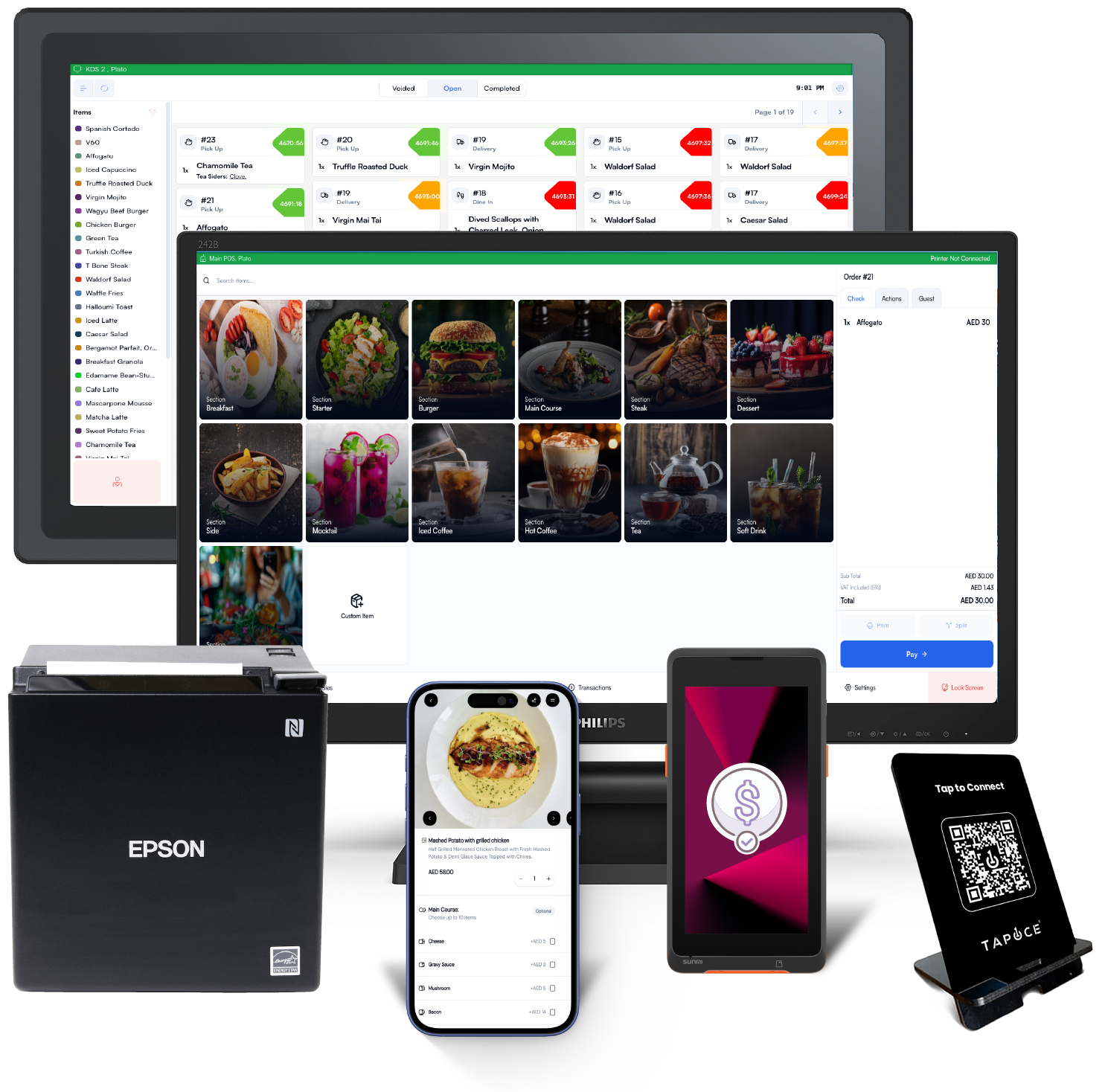
Run service from menu setup through table flow, orders, kitchen handoff, payments, device readiness, and management reporting with the details a real restaurant team needs every day.
The page covers the whole path from menu readiness to payment and management review.
Counter, waiter, kitchen, manager, and back office each get a clear part of the flow.
Keep menus, settings, devices, reports, and branch workflows consistent as operations grow.
Day in the life
The restaurant workflow is presented as the team actually experiences it: setup, service, kitchen, payment, review.
Menus, devices, printers, stations, tables, and availability are checked before guests arrive.
Counter, table, takeaway, QR, and kitchen work stay visible while orders keep moving.
Availability, reservations, stock notes, and staff sessions are reviewed before dinner.
Sales, payments, sessions, kitchen output, and device notes become one manager view.

Service control
Restaurant is strongest when every station knows what it owns and what comes next.
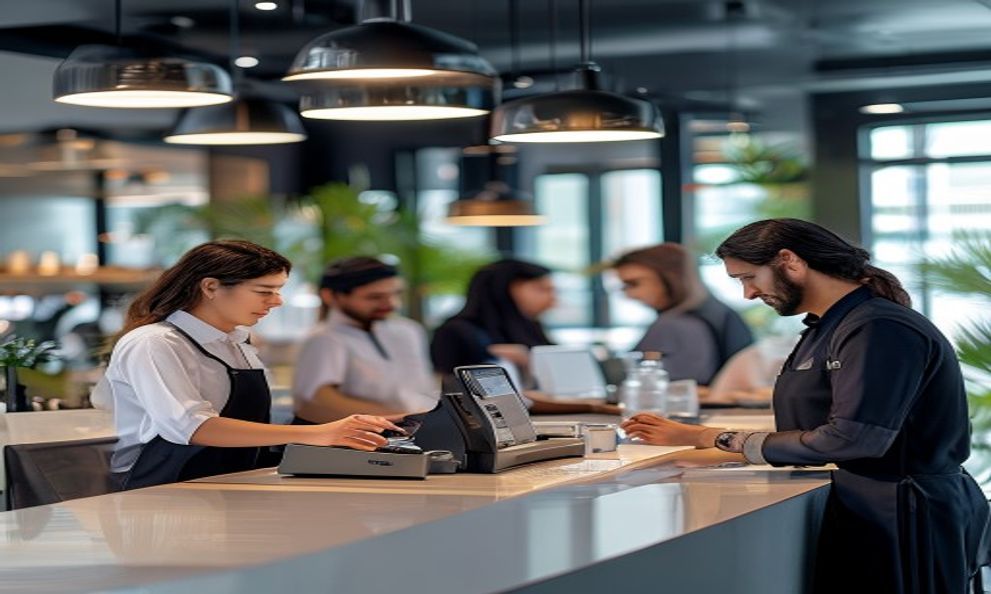
Waiters and counter staff can manage table status, order notes, customer context, and payment handoff.
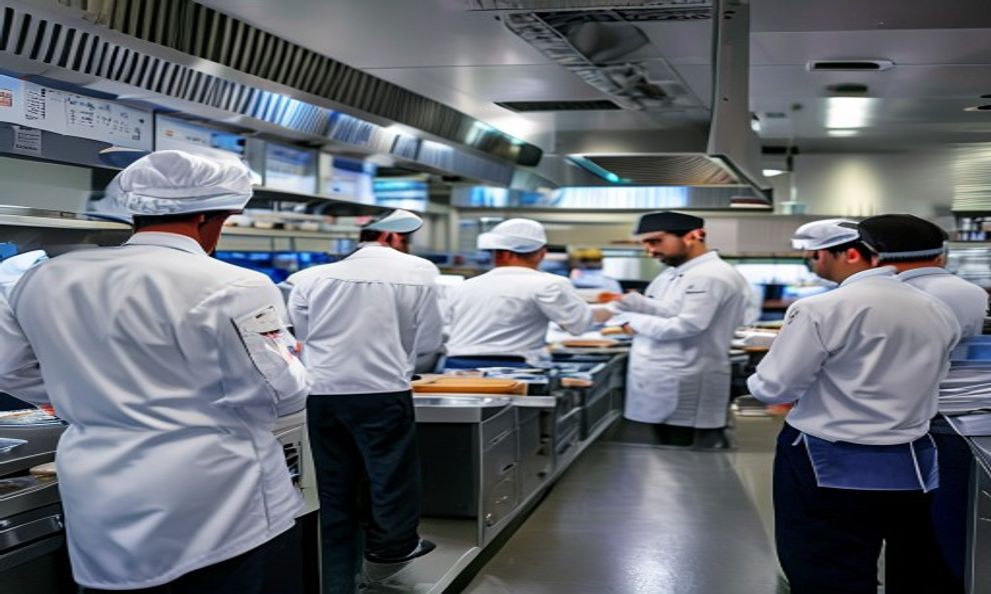
KDS keeps preparation work visible with item state, urgency, station routing, and order grouping.
Owners and managers can see daily movement, staff sessions, kitchen output, and item performance.
Printers, display screens, counter devices, and branch settings are treated as part of the operating system.
Feature depth
POS, KDS, e-menu, tables, reservations, inventory, and reporting should behave like one floor plan, not scattered software.
Categories, products, modifiers, variants, availability, photos, language copy, and display readiness.
Orders by source, table, status, customer, payment state, preparation state, and branch.
Counter ordering, table ordering, quick actions, discounts, fees, payment methods, and receipt states.
Kitchen queues, station visibility, item progress, and preparation reporting.
Table layout, guest booking context, seating status, and host workflow connection.
Daily sales, items, sessions, kitchen, payment methods, orders, and operational review inputs.
Restaurant suite
Use the existing Plato restaurant apps as connected parts of the same operation: guest intent, menu choice, order entry, preparation, payment, and stock movement.
Manager view
Restaurant teams need the same source of truth for the dining room, counter, kitchen, and office.
Connect sales and payments back to the staff sessions and branch activity that produced them.
Use preparation patterns and item movement to spot bottlenecks before they become service issues.
Look at product performance, modifiers, discounts, and availability to improve the next menu cycle.
Live
Know which orders are new, preparing, ready, served, cancelled, or waiting for payment.
Daily
Read the day by branch, channel, payment method, staff session, and item movement.
Ready
Treat printers, displays, terminals, and stations as part of pre-service readiness.
Readiness
Launch readiness is the full service system: what guests see, what staff touch, and what managers review.